How to Track Calibration Intervals Without Expensive Software
The number one administrative non-conformance for small laboratories is missing a calibration due date. When you are managing 500+ assets, "I forgot" is not a valid excuse for an auditor.
The "Outlook Calendar" Trap
Many startup labs try to manage calibration by putting reminders in Outlook or Google Calendar. This fails for three reasons:
- No traceability: If you accidentally dismiss the notification, the record is gone forever.
- No asset history: You can't see the previous calibration results or drift trends.
- Single point of failure: If the Lab Manager is sick, nobody else gets the reminder.
Why "Big Software" Isn't the Answer
Dedicated Calibration Management Software (CMS) like IndySoft or Met/Cal is fantastic, but it comes with a heavy price tag—often £2,000 to £5,000 per year in subscription fees.
For a small ISO 17025 lab or a factory Quality Department, this is overkill. You are paying for complex features (barcode scanning, uncertainties) when you really just need to know: "What is due next week?"
The "Traffic Light" Solution
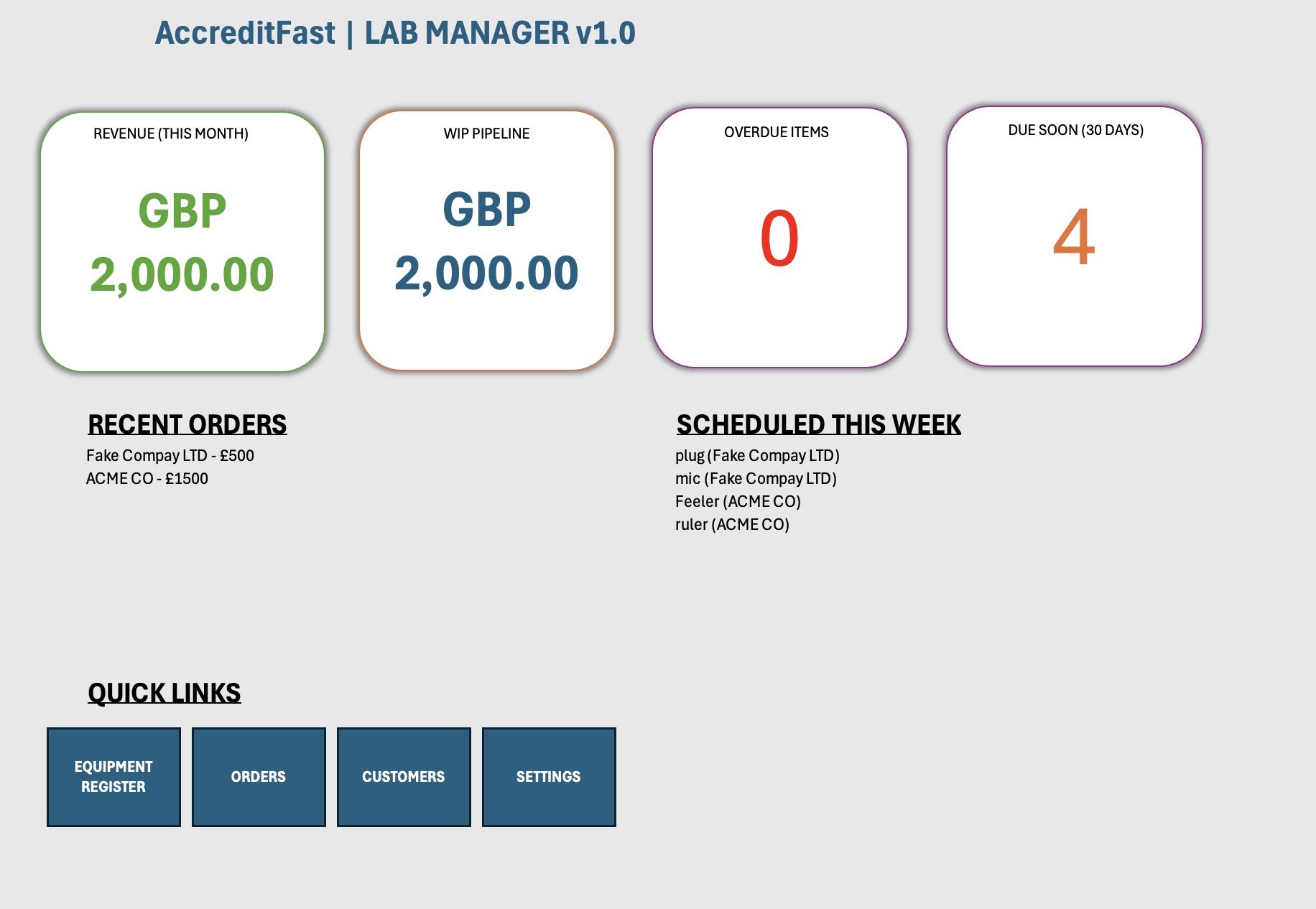
The most effective low-cost system is a Relational Excel Database. Unlike a flat list, a relational tool links your equipment to your customers and orders.
Crucially, it should use Conditional Formatting to automate your anxiety:
- 🟢 Green: Compliant (>30 Days Remaining)
- 🟠 Amber: Warning (<30 Days Remaining)
- 🔴 Red: Overdue (Action Required Immediately)
Building Your Own System
You can build this in Excel using formulas like EDATE and TODAY(). However, ensure you lock the formula cells so staff don't accidentally type over the dates, breaking the alert logic.
Want a pre-built system that handles the logic for you? Check out our Micro-CRM.